First Steps: charging, turning on, pairing
Follow these steps to prepare your Mentalab Explore amplifier for its first recording session. Always complete the charging and setup procedure before placing the cap on a participant. We recommend charging the amplifier for at least one hour before first use.
Charge the Amplifier
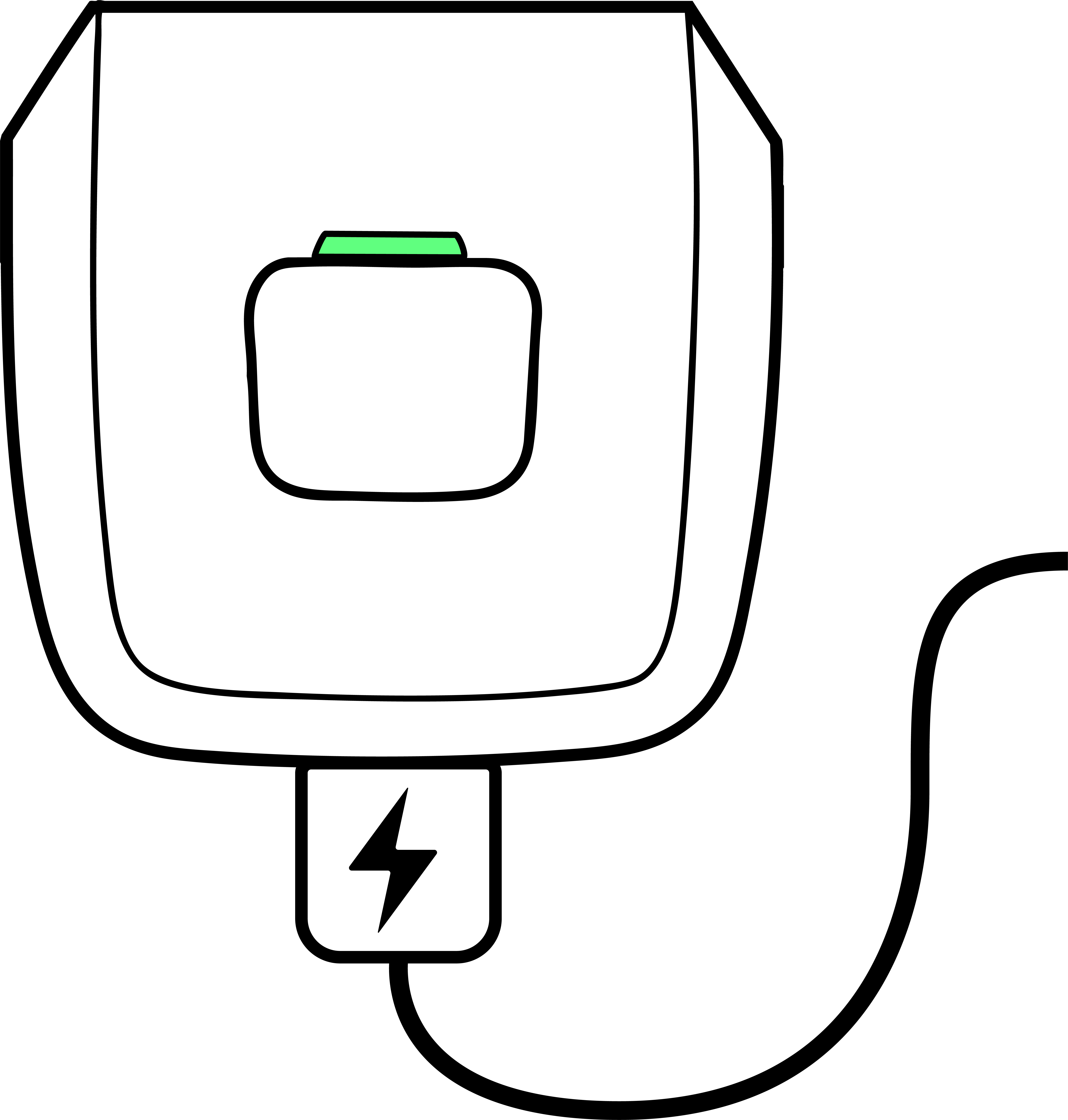
Connect the amplifier to a power source using the supplied USB-C cable. A green LED indicates that the battery is sufficiently charged.
|
Prepare the Cap and Electrodes
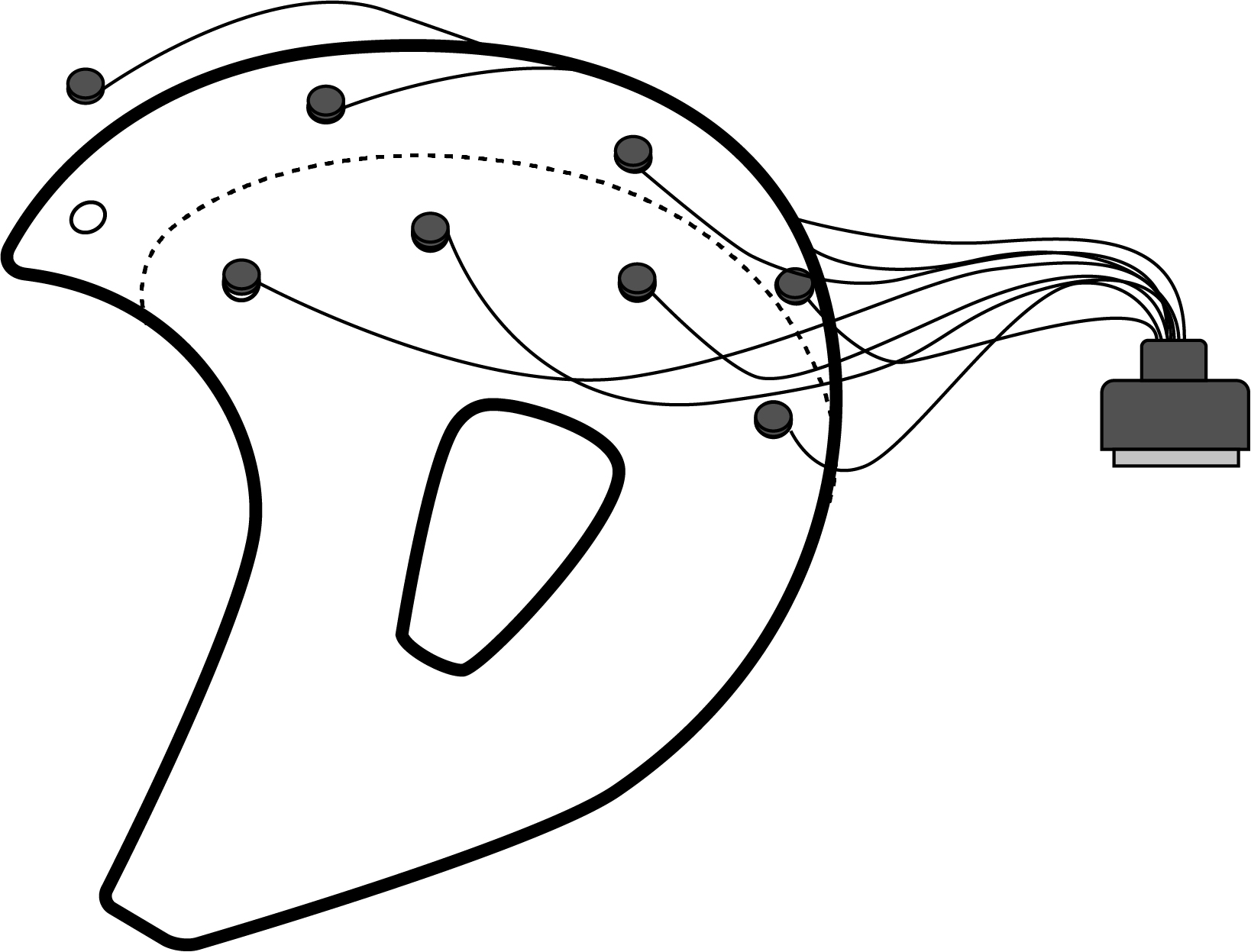
Position the electrodes in the EEG cap according to your selected montage. Connect the electrode cable set to the amplifier. Gently insert electrode holders - or electrodes (only if using the gel electrode set) - into the cap, to avoid unnecessary stress to the neoprene fabric. This will prolong the lifetime of your cap.
HRB (Dry Electrodes)
Insert the button connectors in the cap first, before attaching the dry electrodes. Do not push or move the dry electrodes through the electrode holes of the cap. When removing the cables, start by first detaching the dry electrodes from the button holders. Then, carefully remove the button holders from the cap.
HRC (Dry Electrodes)
Do not insert or push the dry electrode itself through the cap’s electrode holes. Instead, guide only the electrode’s knob through the hole. Use an alligator clip on the outer side of the cap to fix the electrode in place. To remove the electrode and cables, open the alligator clip to release the electrode.
HRM (Gel Electrodes)
Directly insert the electrode into the electrode hole of the cap. Use the electrode’s circular notch to secure it in place on the cap.
Connect the electrode set to the amplifier
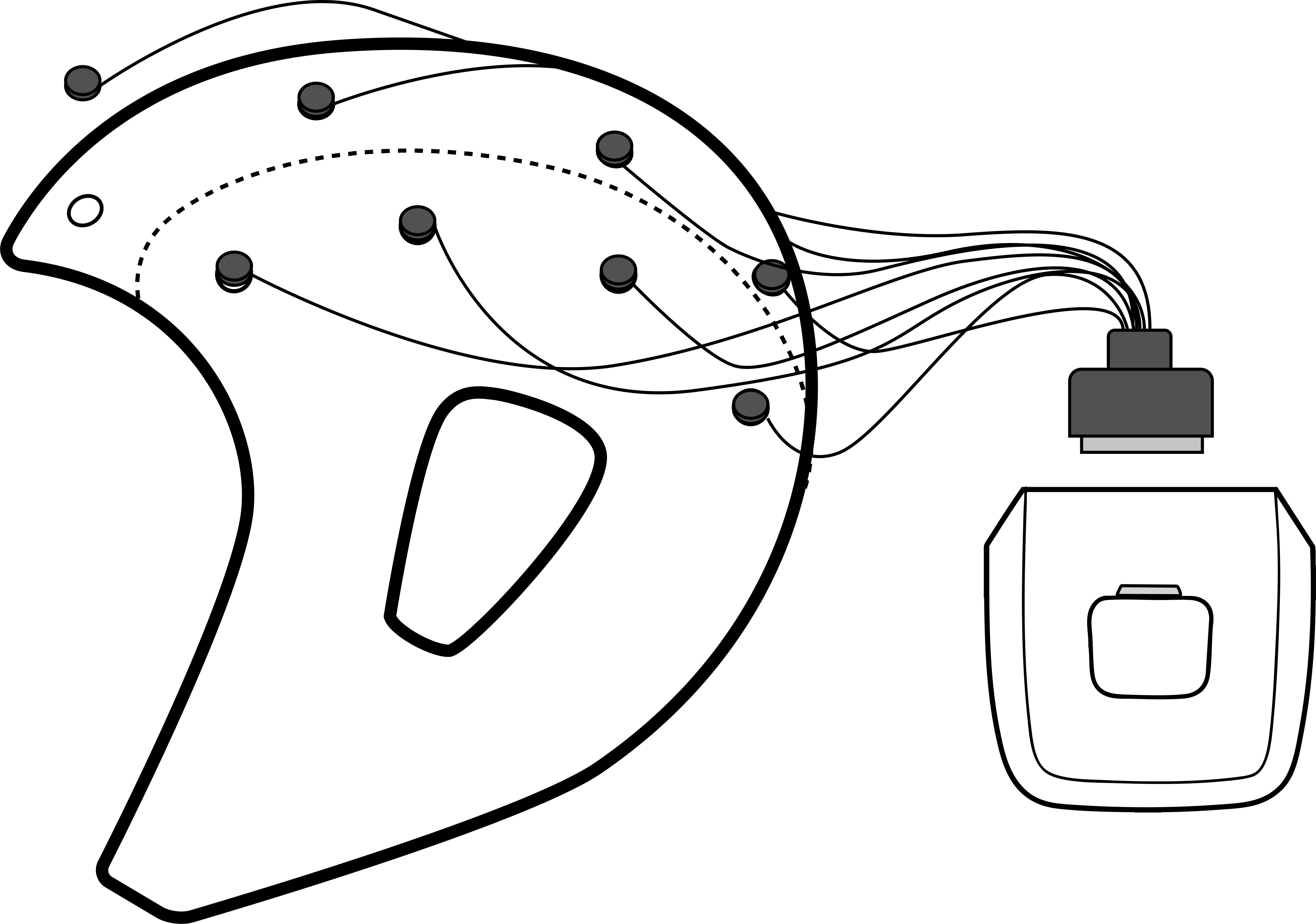
Secure the amplifier to the EEG cap using the supplied Velcro strap or elastic pouch. Connect the electrode set to the amplifier, ensuring the locking mechanism engages. To disconnect, press both buttons of the electrode connector to release the locking mechanism.
Power On the Amplifier

Press the power button (shortly) once. LED lights indicate battery level (red, yellow, green). The amplifier commences recording data to its internal memory (offline mode).
Check Bluetooth Advertising
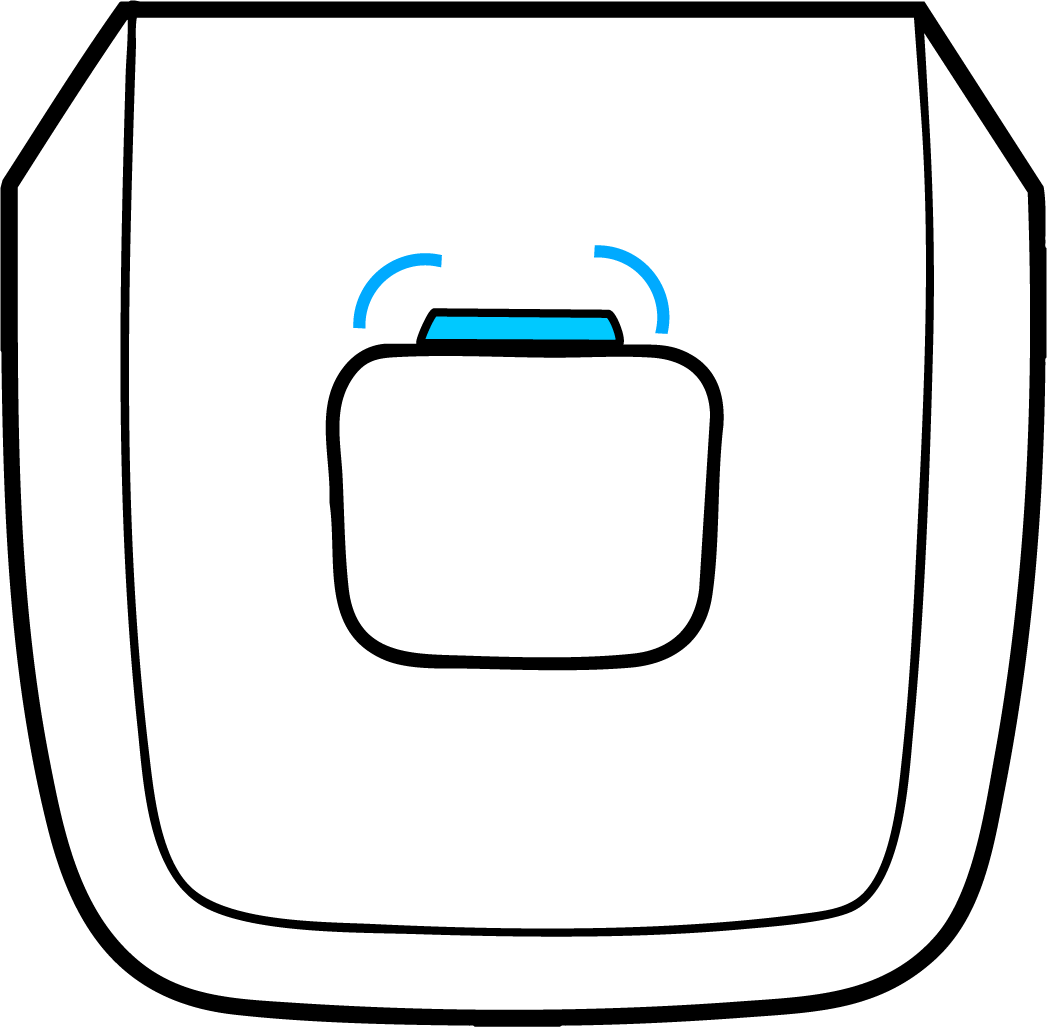
Ensure the amplifier is rapidly blinking blue. This indicates it is advertising and available for connection. The Bluetooth ID is shown on the silver label on the back of the device.
-
Format: Explore_XXXX (where “XXXX” = the last four characters on the label).
-
Example: Label “AABC” → Bluetooth ID: Explore_AABC (use of AABC also permitted).
-
Connect with Mentalab Software
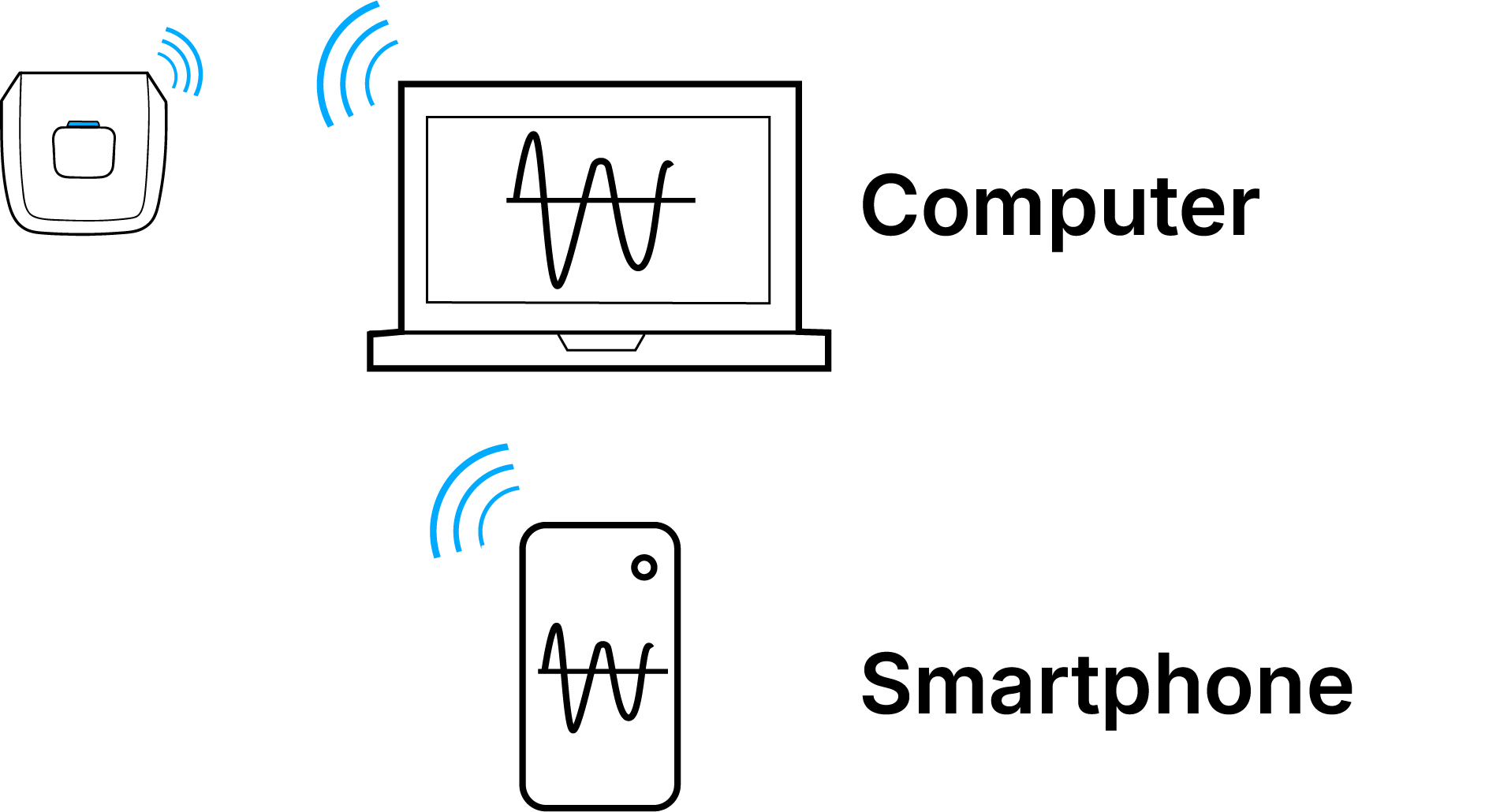
Use Mentalab’s software to connect:
-
Explore Desktop (recommended for most use cases, Windows/macOS/Linux).
-
Explore Mobile App (iOS, Android). Reliable data acquisition guaranteed when using a Mentalab-approved study phone.
-
Explorepy (recommended for custom software development).
These tools allow you to:
-
Visualize live data streams.
-
Measure electrode impedance.
-
Adjust device settings.
-
Record and export data.
Further information is available in the Software section. Downloads available at: mentalab.com/eeg-software