Data Transfer from Device Memory (USB-C)
Explore amplifiers include 8 GB of internal flash memory, which stores data during offline recordings. After a session, recordings must be transferred to a computer for backup and analysis.
Preparation
Ensure the amplifier is powered off (press and hold button until 3× red LED flash). Use only the supplied USB-C cable.
Transfer Procedure
-
Turn the device off
-
Connect the Explore amplifier to your computer using the USB-C cable.
-
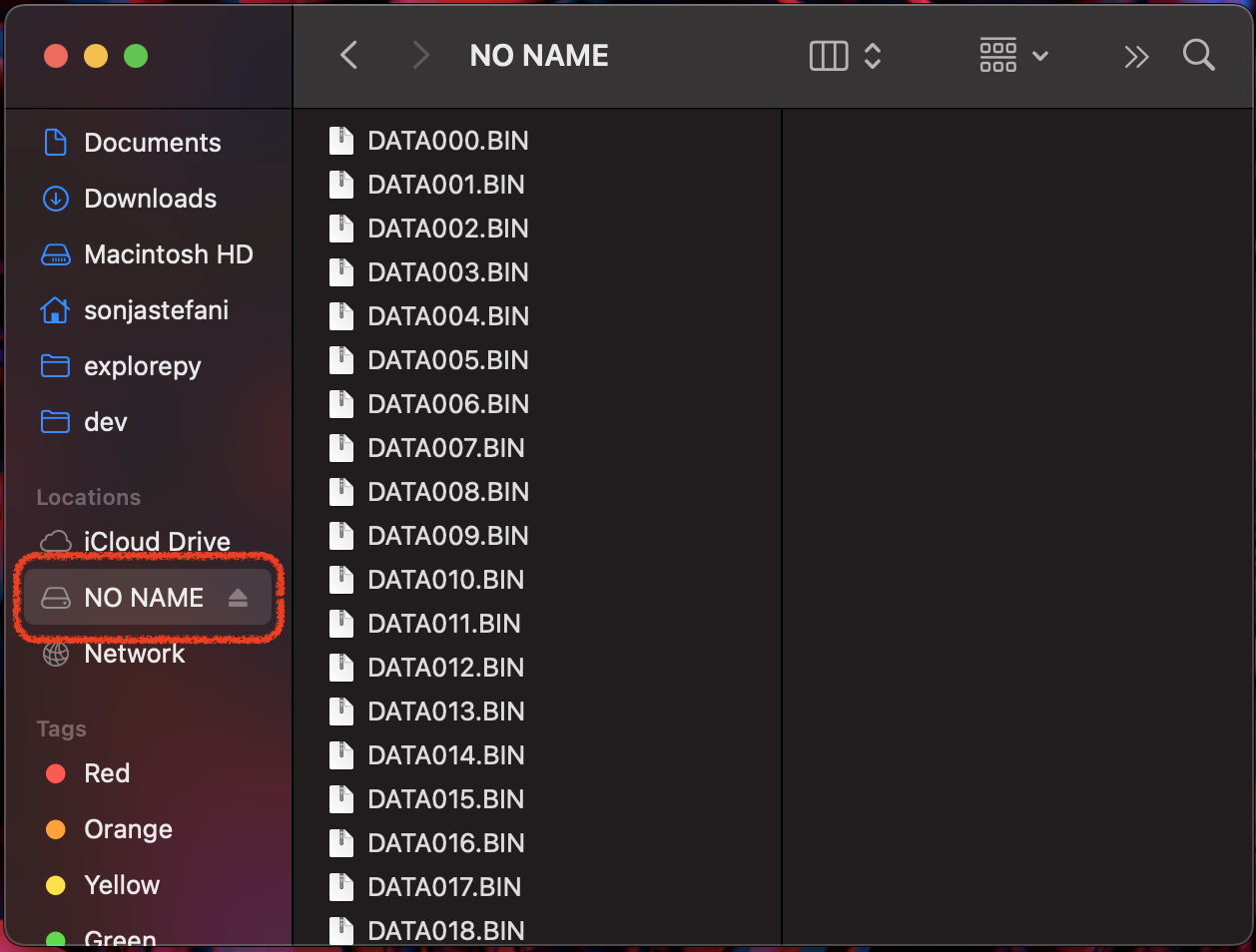
The device will be recognized as a USB mass storage drive.
-
Open the drive on your computer. Recordings are stored as binary files (.BIN) in the root directory.
-
Copy the files to a secure location on your computer or external drive.
-
Safely eject the device before disconnecting the USB cable.
-
you can use Explore Signals to convert the files to .csv or .bdf. You can refer to the respective section
Converting and Exporting Data
The raw .BIN files must be converted to readable formats before analysis: Use Explore Signals or explorepy to convert recordings. Supported export formats include:
-
CSV (.csv) – easy import into spreadsheets or custom scripts.
-
BDF+ (.bdf) – compatible with EEGLAB and other EEG software.
-
XDF (.xdf) – standard format for multimodal data streams (LSL).
Repairing exported data
If packets are dropped during recording with Explore Desktop or explorepy, the corresponding .BIN file from the device memory can be used to repair the recorded .csv file. In Explore Signals, this function is available under Tools → Repair ExG .csv with .BIN. The .csv file and the matching .BIN file must be located in the same folder.
Data Management Recommendations
-
Backup immediately after each session to prevent data loss.
-
Apply a consistent naming convention (e.g., SubjectID_SessionDate).
-
Keep at least 20% free memory on the amplifier; if the LED blinks pink on startup, memory is full and must be formatted (press button 3× at startup).
-
Archived .BIN files should be retained as raw data, even after conversion, for reproducibility.
Formatting the amplifier memory deletes all stored recordings permanently. Always confirm successful transfer and backup before formatting.