Usage
Homepage
Use the homepage to scan for nearby Explore devices and connect to your device.
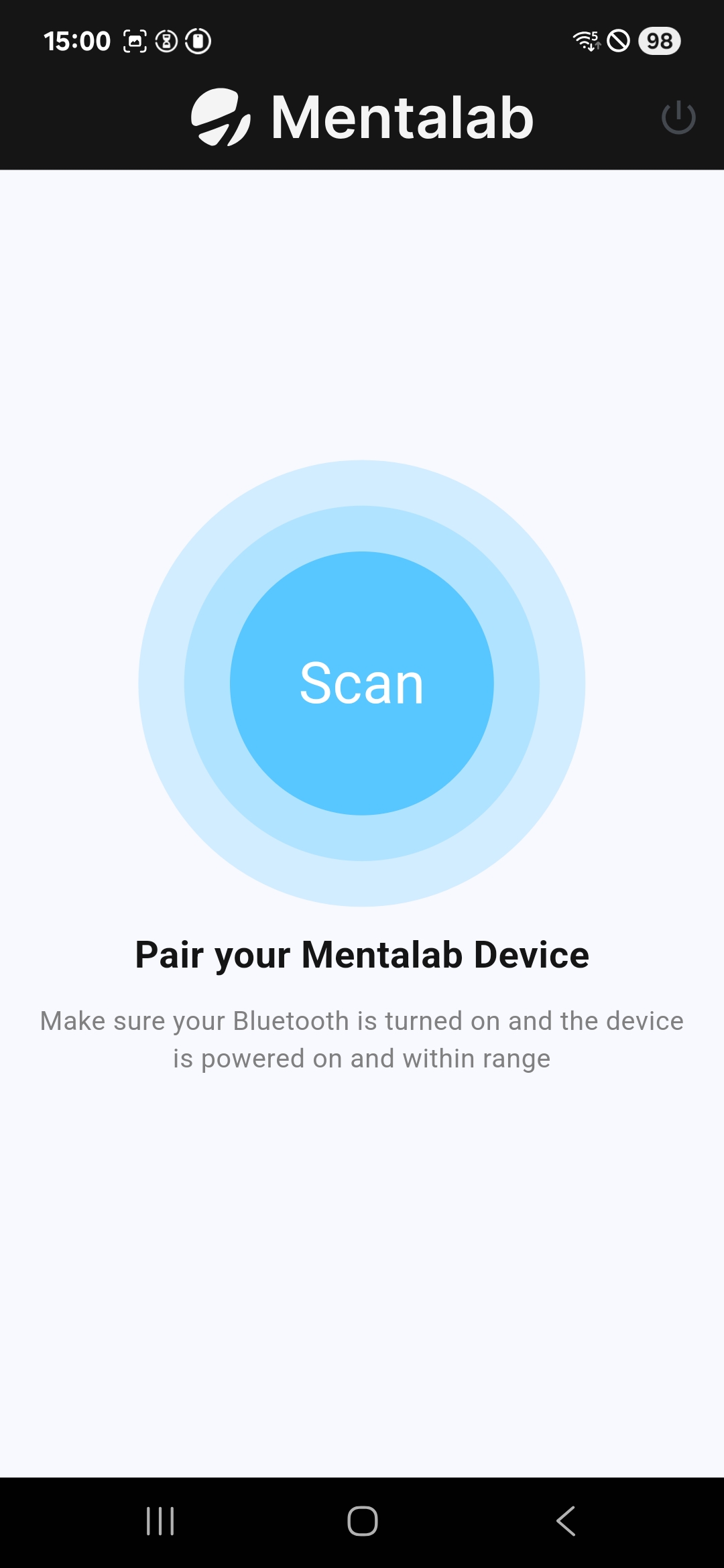
The homepage lets you scan for and connect to nearby Explore devices.
Impedance tab
Use the Impedance tab to inspect impedance values and assign channel positions.
The Impedance tab allows you to:
-
inspect impedance values
-
assign channel positions
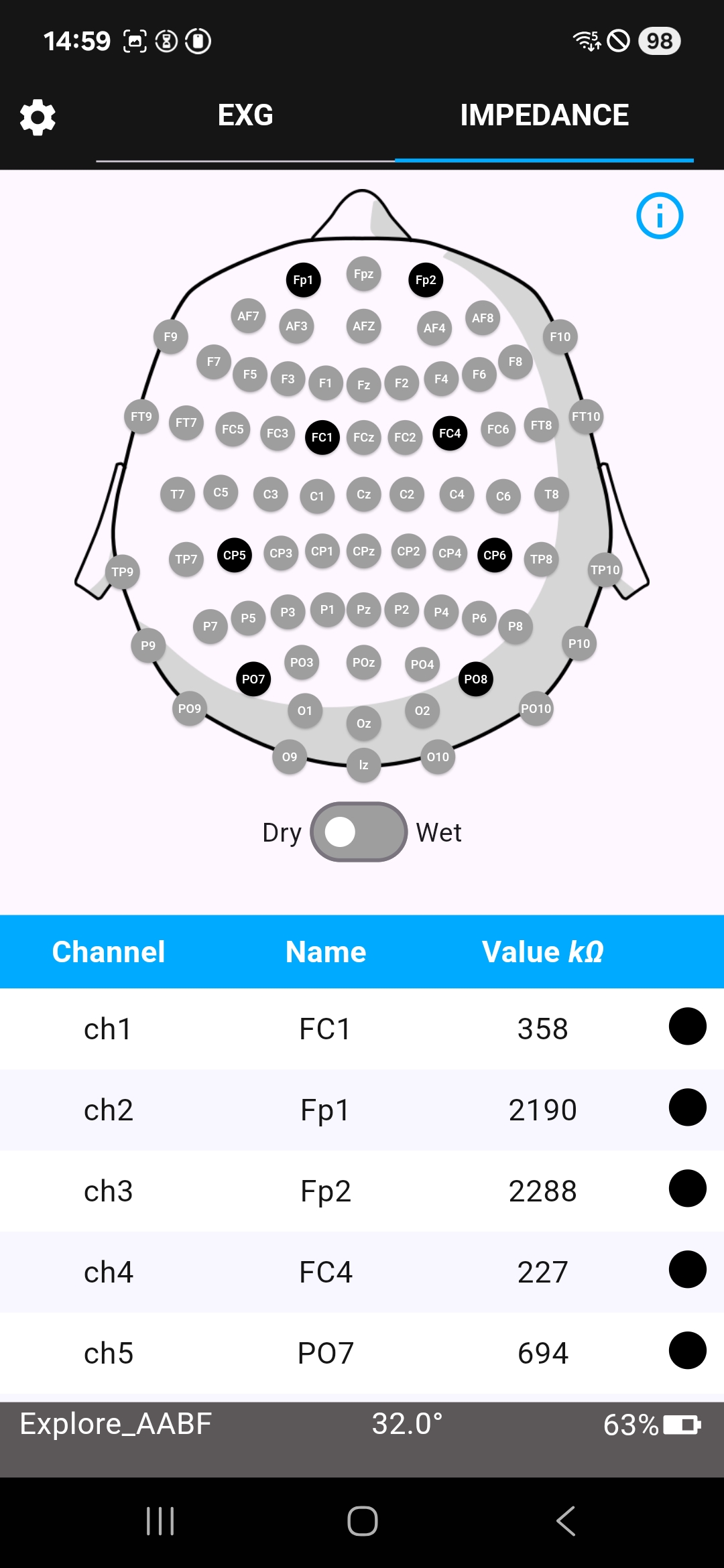
The Impedance tab shows impedance values for the connected device.
ExG tab
Use the ExG tab to visualize ExG data and markers.
The ExG tab allows you to:
-
visualize ExG data
-
visualize markers
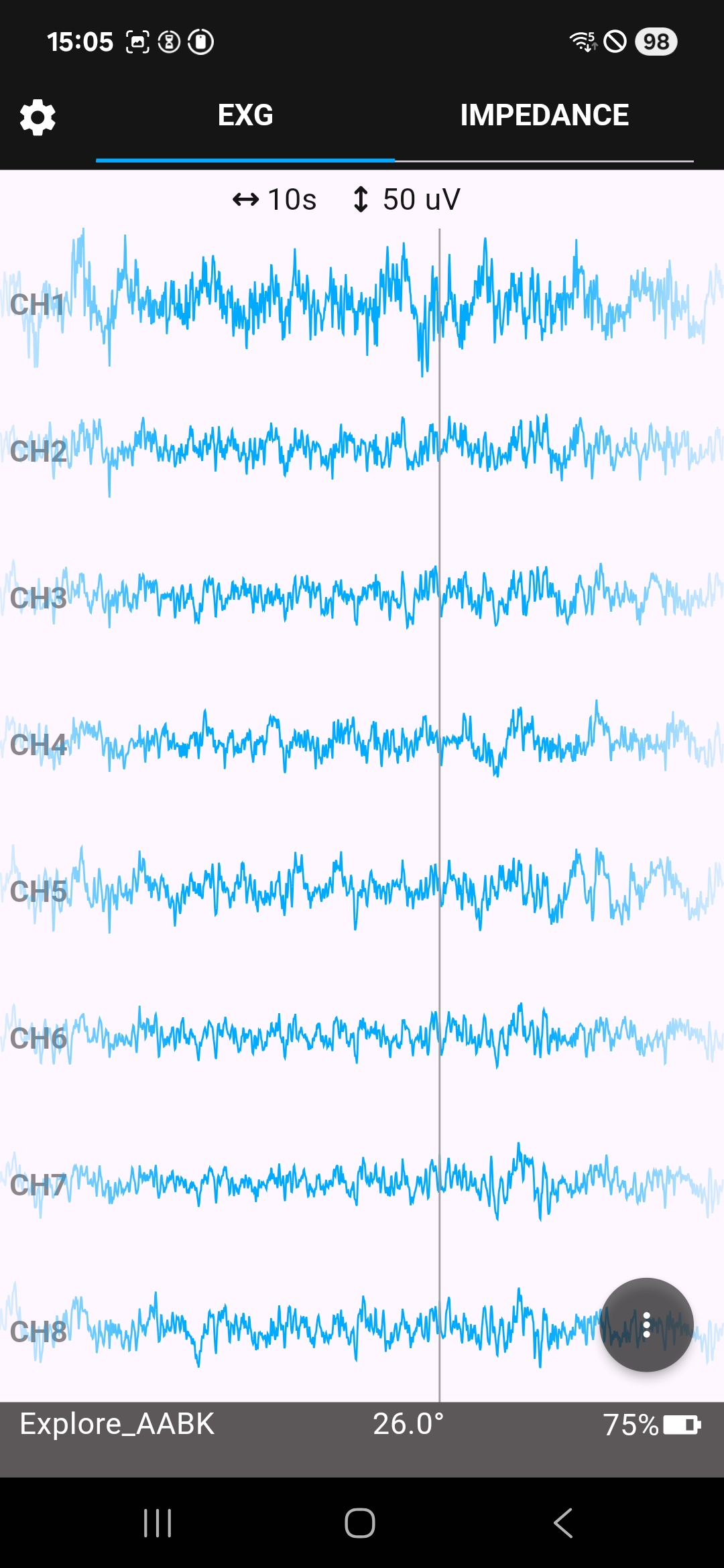
The ExG visualization tab displays ExG data in real time.
ExG visualization settings
Open the dot menu on the ExG tab to access additional visualization and recording options.
The dot menu allows you to:
-
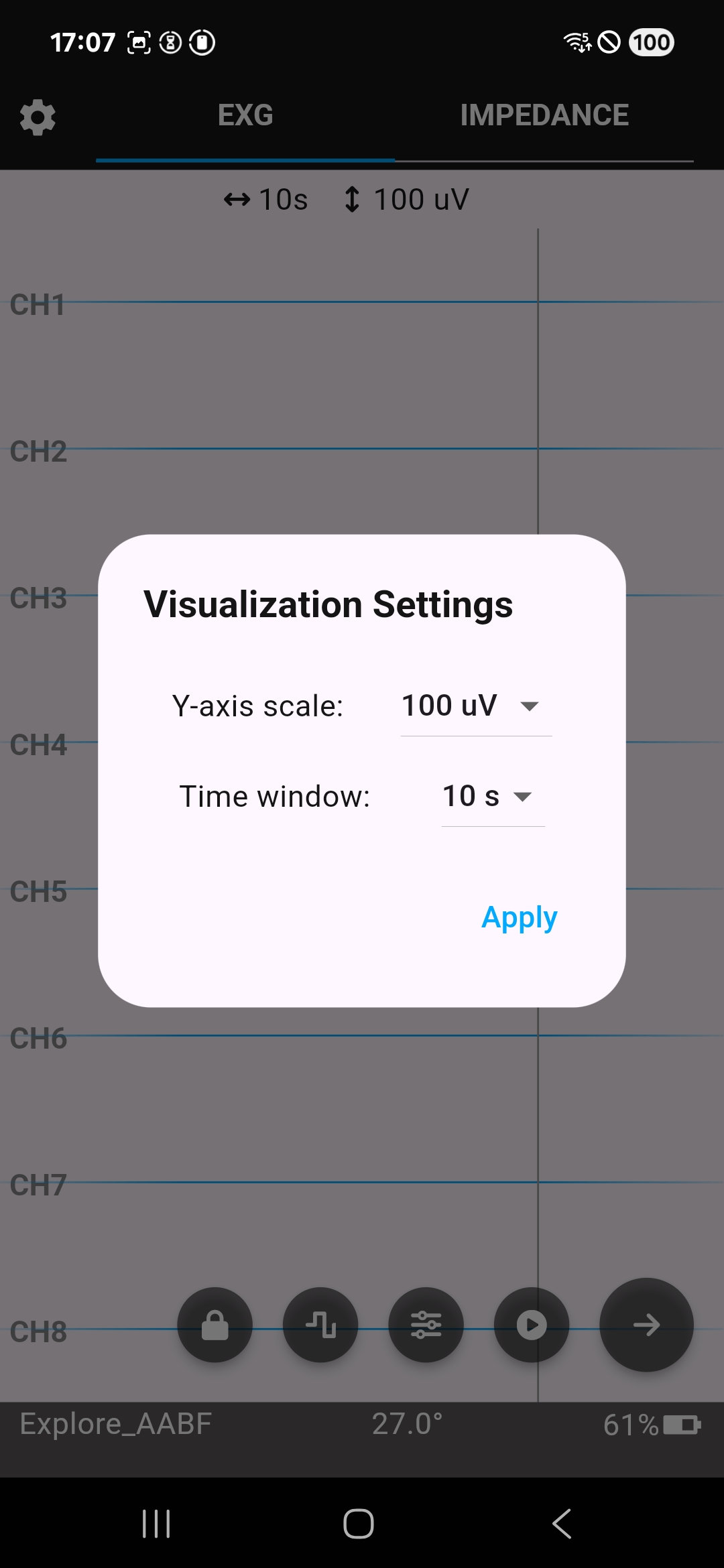
adapt visualization settings, including y-axis scaling and time window
-
record raw ExG data in CSV format
-
stream data via LSL
-
lock the screen
Use the ExG visualization settings to adjust how ExG data is displayed.
Settings
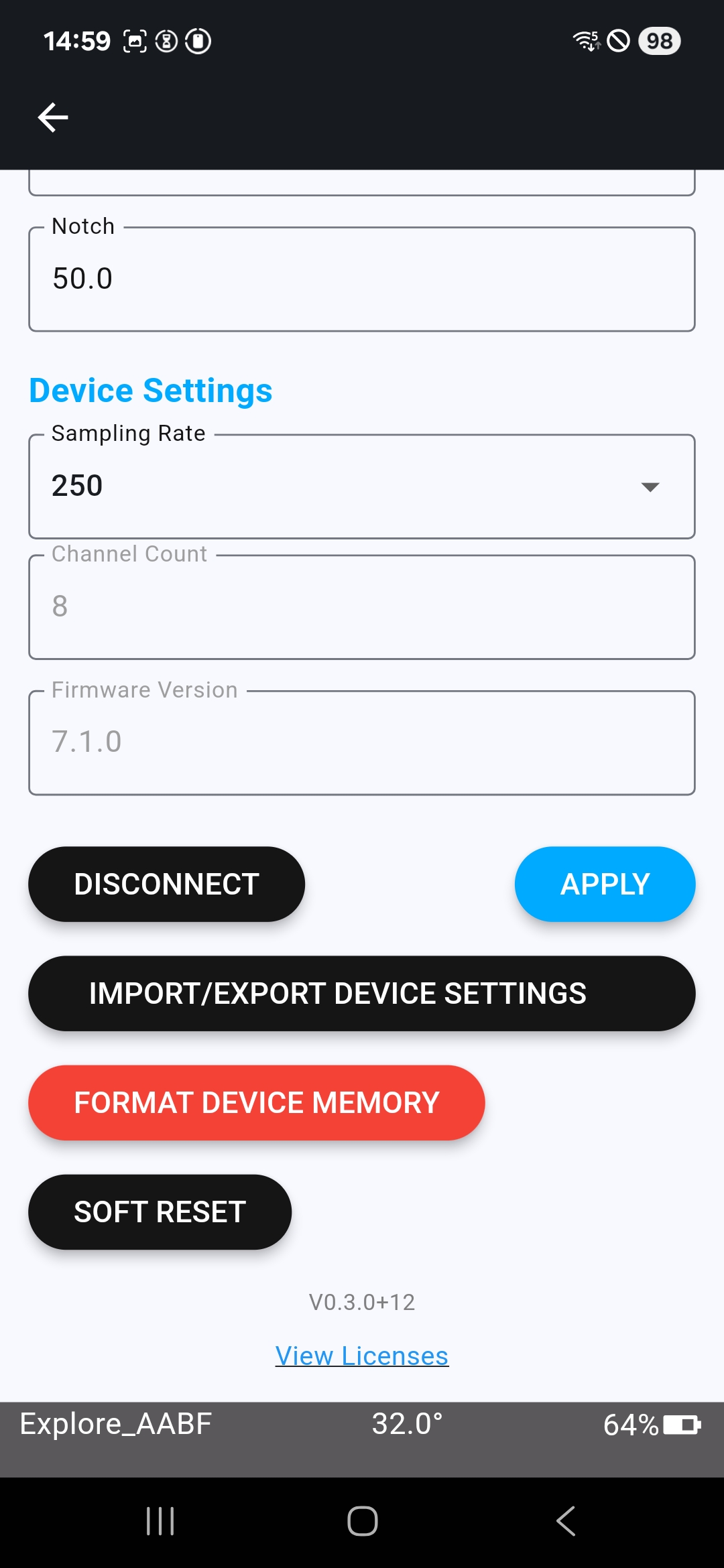
Use the Settings page to inspect and configure your connected Explore device.
The Settings page allows you to:
-
see device settings
-
adjust visualization filters
-
change the sampling rate
-
disconnect from the device
-
import and export device settings
-
format device memory
-
perform a soft reset
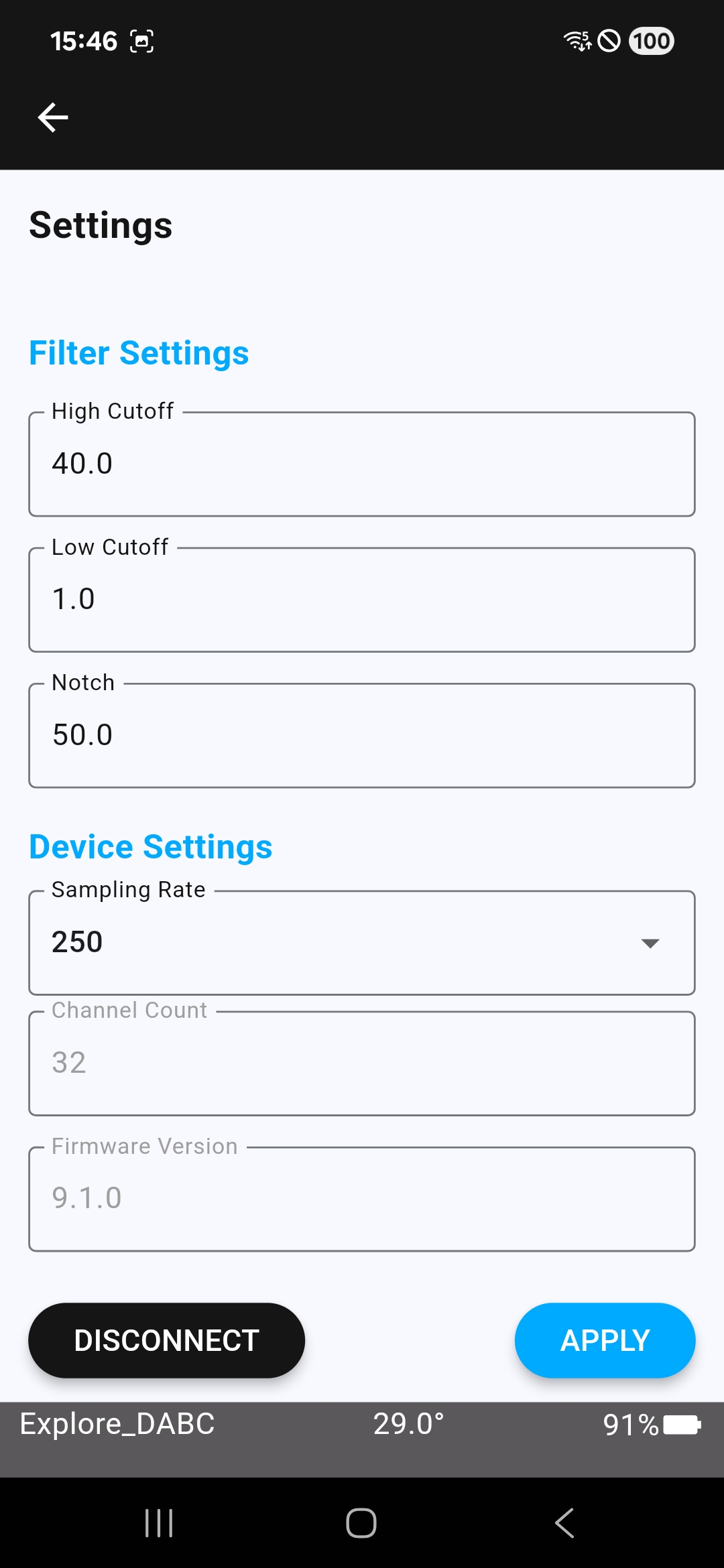
The Settings page provides device configuration options.