Pupil Labs

This page shows how to use the Mentalab Explore Pro with the Pupil Labs Neon eye tracking glasses. Neon powers scientific research and next-generation applications with a comprehensive set of signals: gaze, fixations, blinks, pupil diameter, eyeball position and orientation, eyelid opening angle, and more.
Mentalab Explore integrates with the Neon eye tracker as an ExG acquisition unit over Lab Streaming Layer (LSL).
Prerequisites
- A Mentalab Explore Pro device
- A way to push your Explore Pro data to LSL. You can use any of these:
- Pupil Labs Neon eye tracking glasses
- Pupil Labs’ Neon companion app
How to co-register Mentalab Explore Pro and Pupil Labs data
-
Push your Explore device’s ExG stream to LSL. You can do this in three different ways, pick whichever fits your setup:
- In Explore Desktop, open the LSL menu and click Push data to LSL. See the Explore Desktop guide for details.
- In the Explore Mobile App, open the ExG tab, tap the dot menu and choose Stream via LSL. See the Explore Mobile guide for details.
- With explorepy, run
explorepy push2lslfrom the command line or use the corrsponding python command.
-
Neon Companion App: Enable “Stream over LSL” in the settings. The phone will broadcast data (including gaze coordinates, pupil diameter, and 3D eye states) and an event stream, each marked with the phone’s clock.
-
Lab Recorder: LabRecorder is free software that is used to record one or several LSL streams into a single file (in .xdf file format). Download and install LabRecorder. Open the software and refresh the streams. You should see the Explore Pro stream and the two Neon streams (Gaze - including gaze data, pupil diameter, 3D eye states - and Events). Events can be sent to Neon either via the Neon Monitor App or programmatically using our Real-Time API (see here). Select the streams of interest and hit “Start” in Lab Recorder. It captures all streams and the synchronization metadata simultaneously into a single .xdf file.
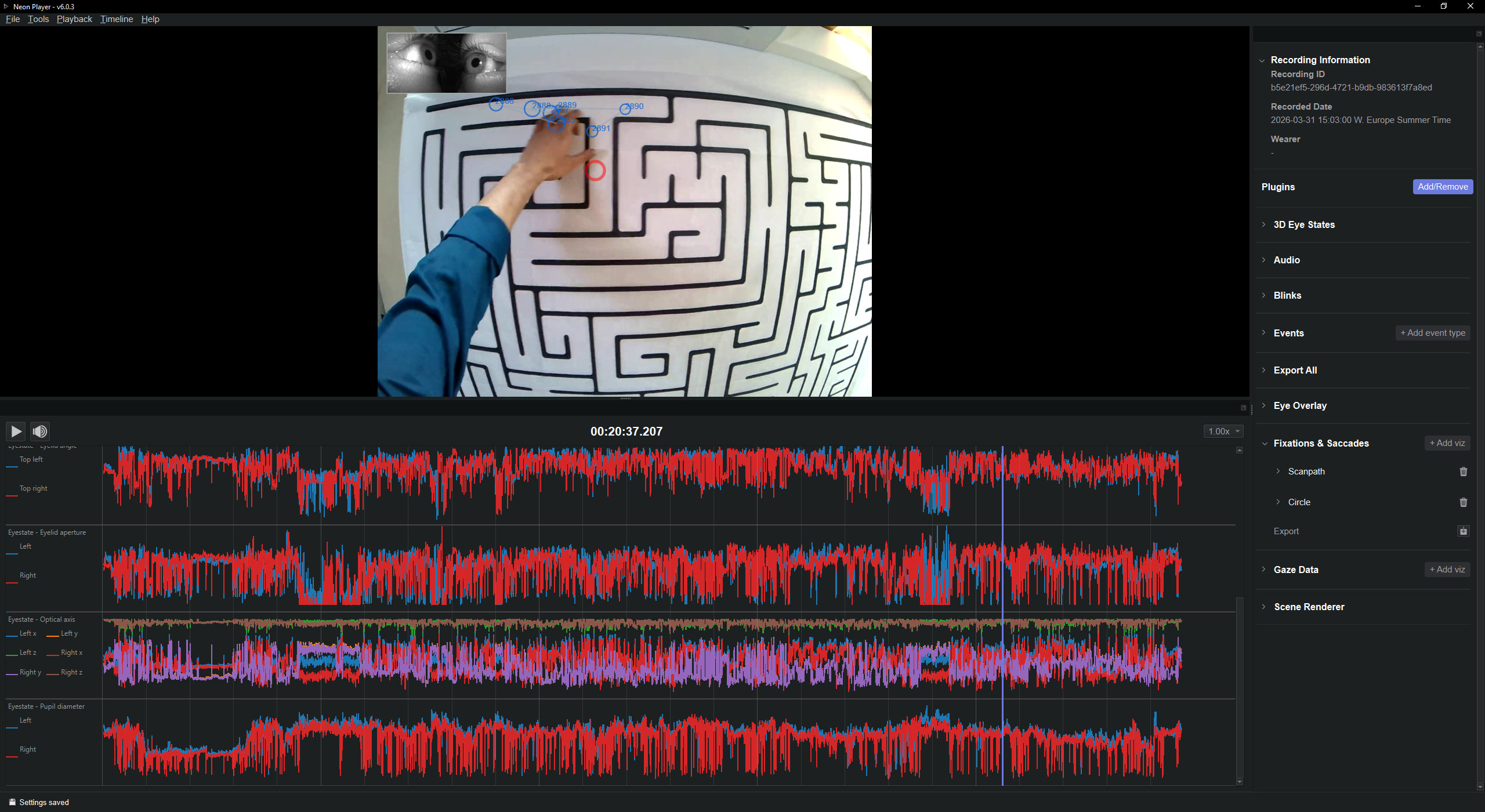
To extract more information (e.g., saccades), you can export the recording from the Neon companion app to a PC and visualize your data with Neon Player.
For more information or support, do not hesitate to get in contact at: support@mentalab.com